
A 31st October 2016 article by Gwen Hernandez
on the Writer Unboxed site:
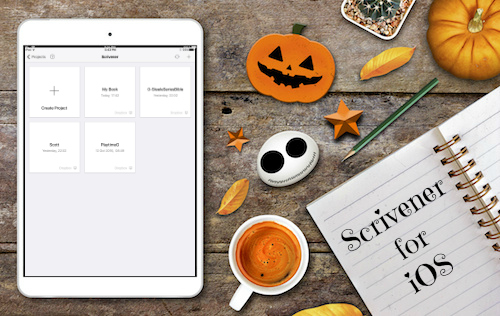
iPad with Scrivener and Halloween images
I’m pretty sure I can frighten more writers with the word “Scrivener,” than by yelling “Boo!” while jumping out from behind a tree dressed as a clown. (Me dressed as a clown, not the tree…)
But working with Scrivener doesn’t have to be scary.
In fact, for those who find all the options in the regular version of Scrivener hair-raising, I thought you might enjoy a quick primer on the newest kid in the Literature & Latte family: the Scrivener for iOS app.
Yes, that’s right, you can now write on the go with only an iPhone or iPad, and sync your work back to Scrivener on your Mac or PC.
(Feel free to shriek with delight or throw fairy dust. I won’t judge.)
The app combines the familiar functionality of iOS with the best of Scrivener’s features. Many of you might even find it more intuitive than the original software, especially once you realize some of the handiest editing features are hiding out on the extended keyboard (see Making Notes below).
 Chris The Story Reading Ape's Blog
I just love technology! Most of the time. You can pretty much write with anything now. The only bad thing is I’m still one of those people who like to write with pen and paper and now days they aren’t even teaching cursive in some of the elementary schools anymore. Good write funny title caught my attention!
LikeLiked by 1 person
😱It’s a pity they’re not teaching cursive any more Megan – I wonder how future historians and translators of medieval scrip will cope 🐵
LikeLike