


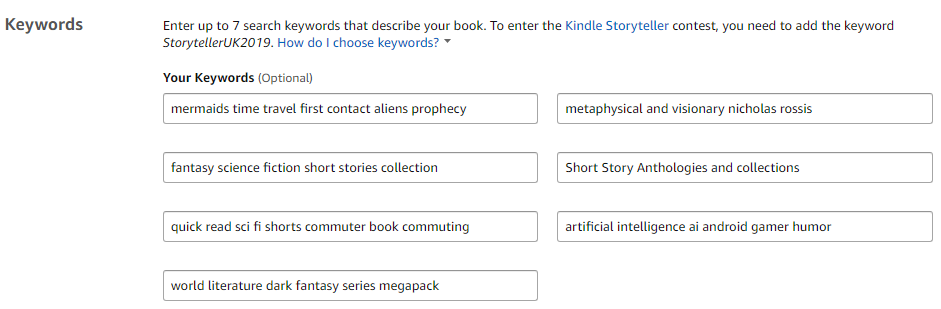
 You may remember that Amazon has recently adopted a more flexible way of reading keywords. You see, Amazon provides you on their KDP bookshelf with a set of 7 separate keyword boxes, giving some authors the impression that they should enter just one keyword or keyword phrase per box.
However, each box holds 50 characters and the more keywords you can add, the better the chance a customer will find your book when they search. The difficulty is in fitting your keywords efficiently into those boxes (they don’t tell you how many characters are left or even that you have 50 to begin with), not duplicating words across boxes, etc.
Making that easier is where we come in with Hidden Gems Books’ free Amazon Keyword Organizer tool.
Amazon Keyword Organizer
 Screenshot from the Amazon keyword organizer
Simply enter your keywords or keyword phrases into the box at the top, entering…
View original post 280 more words
 Chris The Story Reading Ape's Blog
Many thanks for sharing, Chris 🙂
LikeLiked by 1 person
Welcome, Nicholas 👍😃
LikeLiked by 1 person
Very good tip. Thank you for reposting, Chris. Have a beautiful weekend! Michael
Do you know, i am a keyword guru? Lol Saving all my documents i am inventing as much keywords as possible. At least i found all documents at once, not only the ony i searched for. 😉
LikeLiked by 2 people
LOL
LikeLiked by 1 person