

on Book Design made Simple:
If you’re importing a Word index into InDesign, chances are good that the index will import just fine. But what if you get the dreaded “index entries contain invalid characters” error?
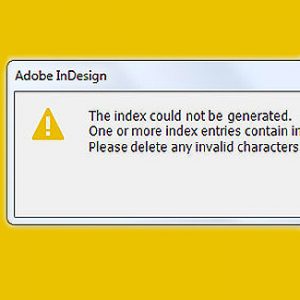
This happened to one of our readers recently. It’s a tricky issue to resolve since InDesign doesn’t specify whichcharacters are invalid.
With a Word index containing hundreds (or thousands!) of entries, how can you find the specific characters causing the issue?
Below I’ll explain the quickest and easiest way to resolve this issue.
 Chris The Story Reading Ape's Blog