

This is for all us WordPress users who reply to their comments from the list that drops down when you click on the bell icon in the upper right-hand corner and look at the list, like this:
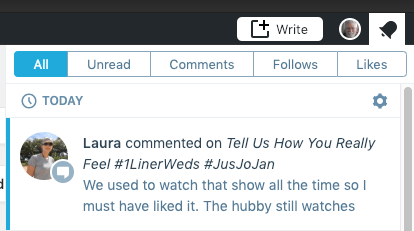
You might have noticed that, when you go to answer the comment, it suddenly disappears and ends up in your trash. This happens to me a lot, and I just figured out what does it.
When you click on a comment in the list, you get the whole comment instead of the preview and something that looks like this after it:
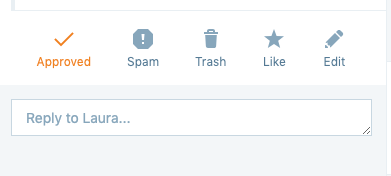
You might think, “okay, I can just start typing.” And when you start typing, the comment is replaced by a box that says “Comment trashed” or “comment moved to spam,” along with a place that says “undo,” which usually disappears by the time you notice it.
Here’s the deal: when the comment…
View original post 175 more words
 Chris The Story Reading Ape's Blog
I can never understand how to view original 175 words. How in the world does one do that?!
LikeLiked by 1 person
Sorry Bruce, I don’t know how to make it any clearer when I state:
To read the article, click on the WORDS: View Original Post, bottom left of image or reblog text 😎
LikeLike
Handy !
LikeLiked by 1 person