
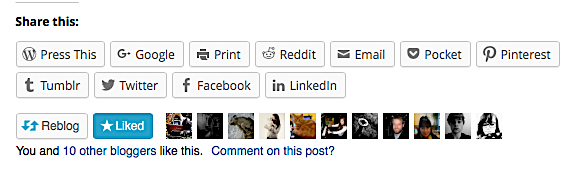
Personally, I recommend you go into your blog Admin – Sharing section, then tick and save EVERY share button WordPress make available to you – Unless you want to keep your blog secret, in which case activate your privacy options 😀
I also recommend you activate ‘Publicize’ 😀
BTW – because this post has been re-blogged, you need to click the View Original Post – (bottom left)

In the below post references to sharing do not include copying content (unless, of course you have the content owner’s permission to do so). By sharing I mean utilising options such as Twitter and the WordPress reblogging facility.
—
Your blog is full of great content but no one is sharing it. That is wholly inexplicable, right? Well in some cases you may be unlucky and, if you fall into this category I wish you the very best of luck in future for there is nothing more frustrating than one’s content being ignored.
Most blogs and/or sites have buttons allowing content to be easily shared. For example my blog (newauthoronline.com) allows sharing via a number of channels including Twitter, Facebook and, of course reblogging. I have, however come across blogs lacking any facility to share content. In such instances the person wishing to share has no option other than to…
View original post 102 more words
 Chris The Story Reading Ape's Blog
Great advice, Chris. As I’ve been reading and hearing for a long time, an author’s platform (and engagement) are so important yet, at the same time, you don’t want to cross the line into constantly tweeting (and thus overpromoting) yourself. My circumstances are such that the promotion is limited, but this is a great, quick thing we WordPressers can and should do. I will have to do some administrative cleaning soon–and check those boxes as well!
LikeLiked by 1 person
Good luck with it Leigh 👍😃
LikeLike
Many thanks for sharing Chris. It was, I think your good self who mentioned the sharing buttons to me some time back, which is much appreciated. Kevin
LikeLiked by 1 person
Welcome Kevin 🙂
LikeLike
Good info!
LikeLiked by 2 people
Indeed Linda – I’ve activated everything WordPress provided and even added my own StumbleUpon share button – Great results 😀
LikeLiked by 1 person